
Camera Modes
- cn3209
- Feb 13, 2020
- 3 min read
Updated: Mar 3, 2020
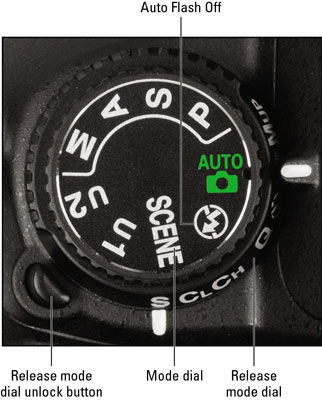
Automatic Mode:
Most people that owns a camera use automatic mode. In this mode it allows the camera to select shutter speed, aperture, etc to take the best picture at the right shot. Automatic mode giving you the nice results!
Portait Mode:
In portrait mode will automatically selects a large aperture that helps the background to be out of focus to allow the vocal point be be pronounced. While in portrait mode the subject in the picture is the attention in the shot.

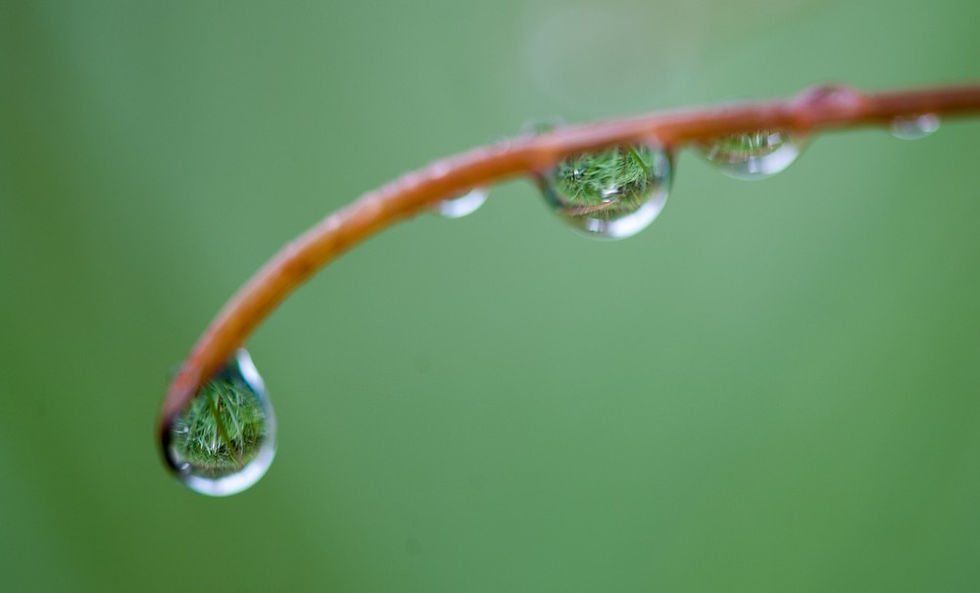
Macro Mode:
This mode allows you move closer into the subject to take picture that is a close up. When using macro mode it is best to use when taking shots of flowers, insects, or any other small objects. It includes different focussing distances. Taking pictures in this mode it's very critical to keep the camera and the object parallel at all possible because it not the picture will be out of focus.
Landscape Mode:
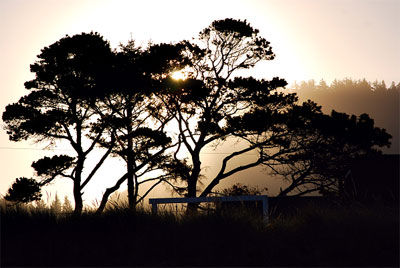
This mode sets the camera up with a small aperture. It is set up this way in landscape mode to make sure the scene in the picture is entirely in focus. What this is used for is self explanatory; for shots of wide scenes.
Sports Mode:
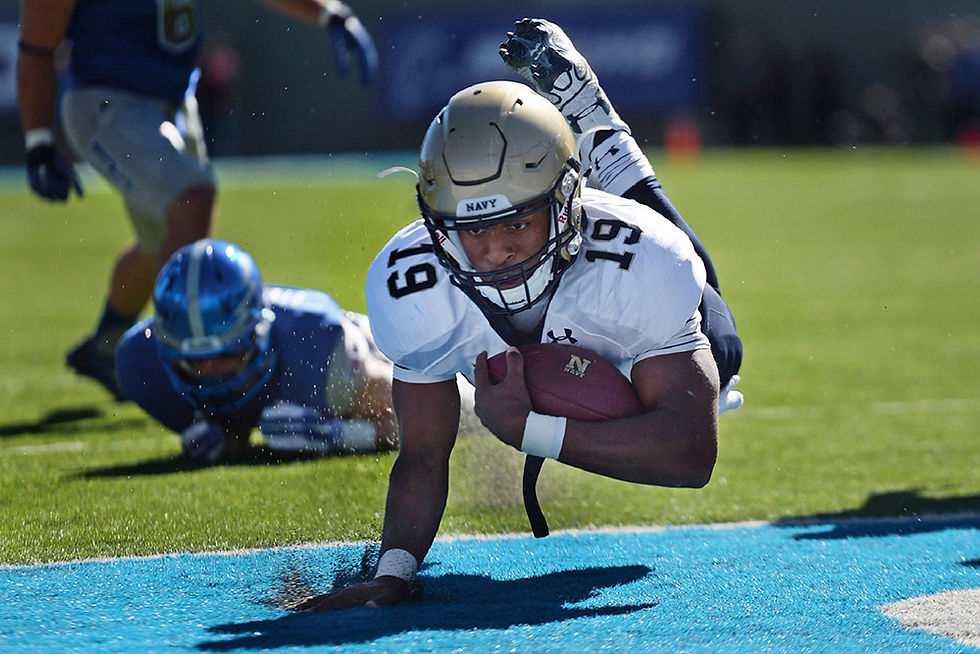
It is also called action mode and is used to take shots of moving objects. This includes photographing people playing sports, pets, and wildlife. Sports mode is made to freeze that action happening in the picture by increasing the shutter speed. This is helpful to capture movements without a blur.
Night Mode:
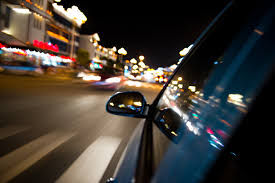
It is used for taking pictures in low light situations and sets the camera to use a longer shutter speed. This mode creates colorful and fascinating shots. In night mode it helps capture details in the background and has a flash that illuminate the foreground. Because of the ability to take shots and blur the background it makes it fun. To take pictures in this mode it's good for parties and dance floors with colored lights.
Movie Mode:
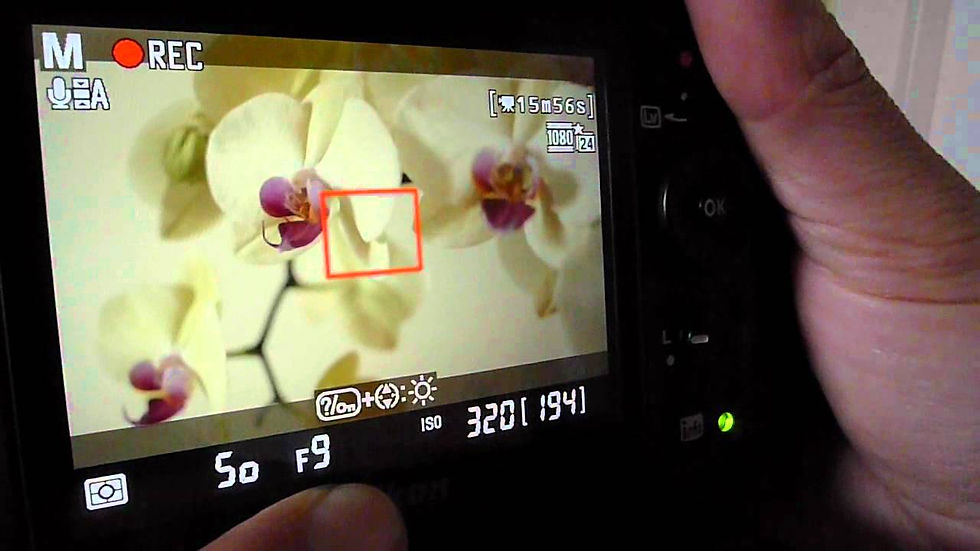
This mode allows the camera to record video and sound. This tool is handy when finding a subject that can't be captured in a still image even though the quality in the video standards in movies but it's suffice. Only downfall is that it takes up a lot of memory storage that other images.
Semi Automatic Modes:
Aperture Priority Mode:
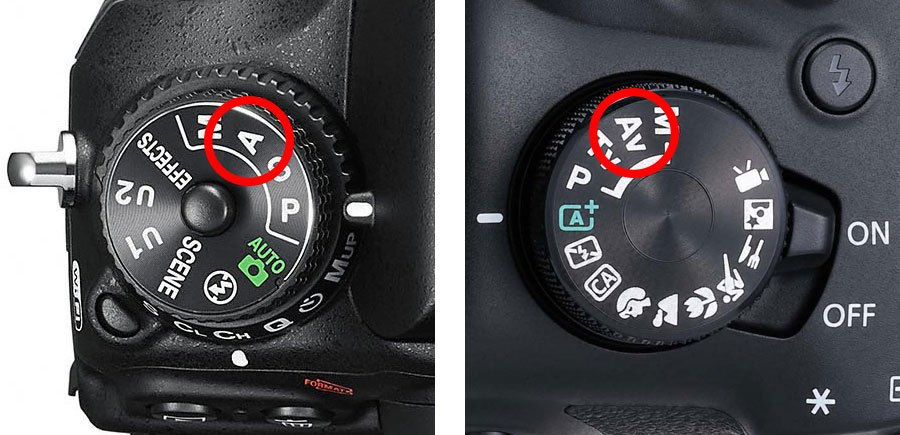
In this mode you can choose the aperture and where the camera chooses the other settings to make a good picture. Aperture priority is useful when you want to control the depth of field in a shot. Something you can also do is choosing a larger number aperture meaning the aperture is smaller and lets the light in. This can mean that will have a slower shutter speed vice versa with the small numbers.
Shutter Priority Mode:
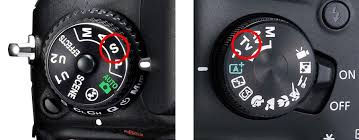
Similar to the one blog but is the mode where you select a shutter speed and the camera chooses all of the other setting. This is the mode that you'd use when you want to control the shutter speed or when photographing moving things. On the other hand this mode will probably be used when you want to capture the movement as a blur and choose a slow shutter speed.
Program Mode:
In some cameras this mode is an addition to the auto mode. This mode is very similar to auto but allows the person to have more control over feature like the flash, white balance, and ISO.
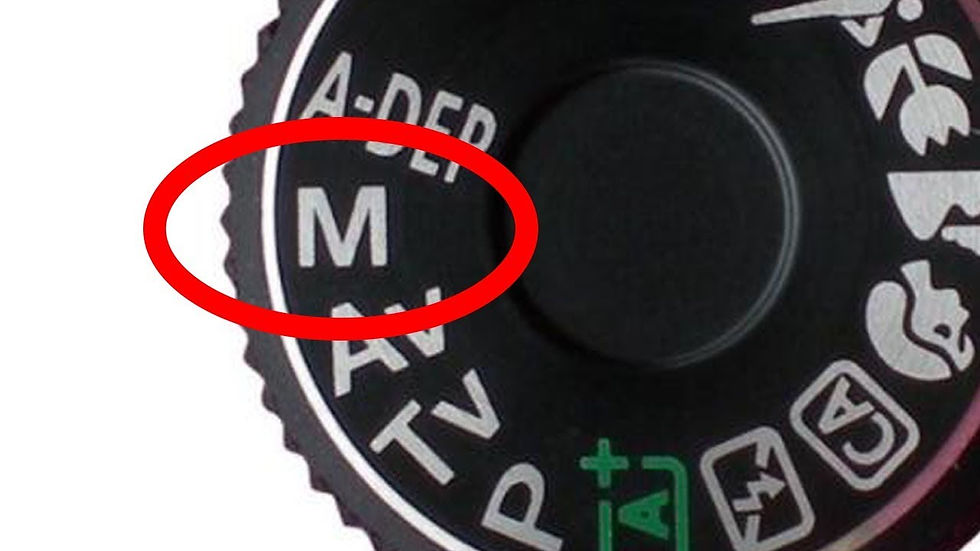
Fully Manuel Mode:
Manuel Mode:
This mode permits you to have full control of the camera in the setting including the shutter speed, aperture, ISO, white balance, and flash.
Comments